R Rhypple Rhypple Plus

Rhypple Plus

Cloud team workspace for Rhypple.

Rhypple Plus unlocks the Workspace app and Rhypple Cloud Team Workspace for teams that need shared notes, channels, invites, and live sync.

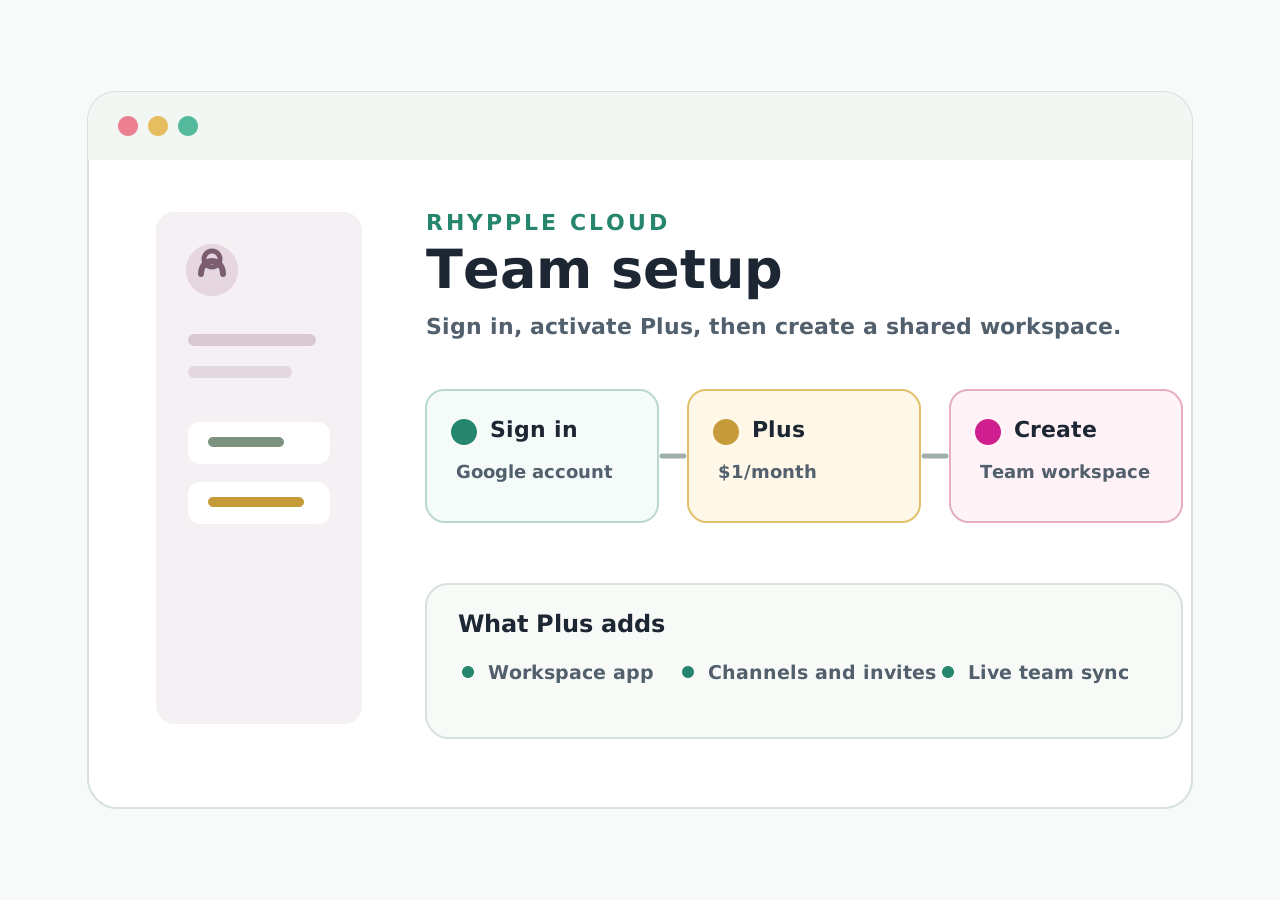
Illustration of the Rhypple Cloud setup steps.
Start from Rhypple, sign in, then activate Plus.

Subscription

One paid plan.

Pricing starts at $1/month in the US, with local price points where configured.

Free

Rhypple

$0 personal use
  • Local and export-file databases.
  • Personal notes, tags, properties, views, and imports.
  • Google Drive sync where supported.
  • ×No Workspace app or Cloud Team Workspace.

Paid

Rhypple Plus

$1 per month
  • Everything in Rhypple Free.
  • Workspace app access.
  • Rhypple Cloud Team Workspace.
  • Team channels, invites, permissions, messages, and attachments.

How it works

Subscribe inside Rhypple.

Plus is activated from the Cloud setup screen so the subscription is tied to the same account that owns the workspace.

1. Open setup

Add a workspace, choose Rhypple Cloud, then open setup.

2. Sign in

Use Google sign-in so Rhypple can connect the subscription to your workspace.

3. Subscribe

Subscribe or apply an internal code, then create the cloud workspace.

Notes

Current limits.

Is the Workspace app the only paid feature?

Yes. For now, Plus unlocks the Workspace app and Cloud Team Workspace.

Can I cancel?

Billing is managed through Stripe. Use the billing portal from the Rhypple Cloud account screen.

Does Free still work?

Yes. Local databases, export files, and non-cloud workflows stay free.

Is this the Google Drive team workspace?

No. Plus is for Rhypple Cloud Team Workspace, not the Google Drive team database.